
Inside of OnePlan you have the option of using imperial or metric unit of measurement on your site plan. By default, OnePlan uses Imperial (US).
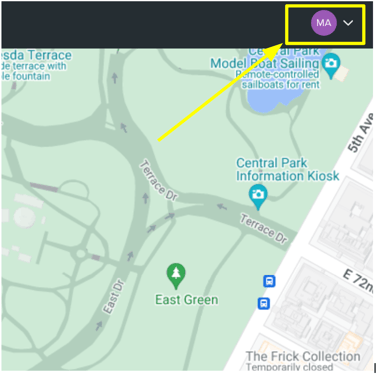
You can change the unit of measurement for all your events by clicking on your initials in the top right corner
You can then toggle between Metres or Feet in the Measurement box.

This applies to the entire site plan. You're free to change it back at any time using the same method.