
Copying and pasting is a quick way to duplicate an object
You then have two methods for copying and pasting any object in OnePlan.
Method 1: Using Keyboard Shortcuts
1) Select the object.
2) Use the keyboard shortcut Ctrl+C / Cmd+C to copy the object
3) Use the keyboard shortcut Ctrl+V / Cmd+V to paste the object. It will appear next to the copied object.
Method 2: - Using the right-click menu
1) Select the object.
2) Use the right-click menu (click the right mouse button):
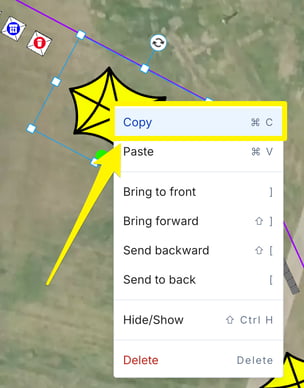
3) Select copy.
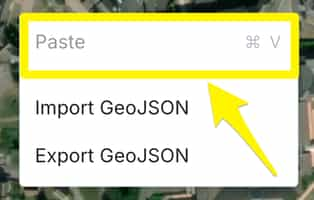
4) Move your mouse to where you want the duplicate object to be positioned. Use the right-click menu and select paste:
Note: Labels, Object setup information and Notes are all copied over to the new object