
What:
4 new line objects with calculators designed to tell you how many bikes can fit in a designated space.
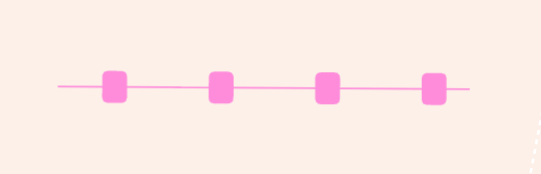
Transition racks: double-sided
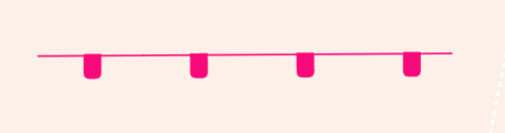
Transition racks: single-sided
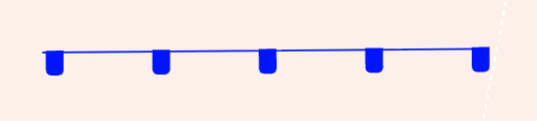
Bike racks: single-sided
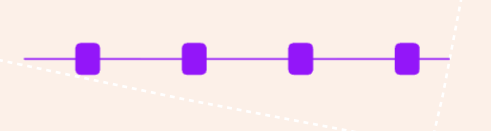
Bike racks: double-sided
Why:
These objects were used often in our previous OnePlan Classic platform, and have proven very helpful for Triathlon event planners.
How it works:
All 4 objects can be found in the Object Library under the race pack:
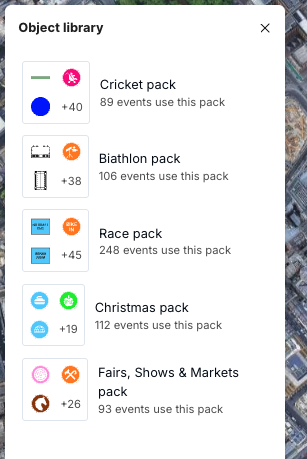
Transition racks:
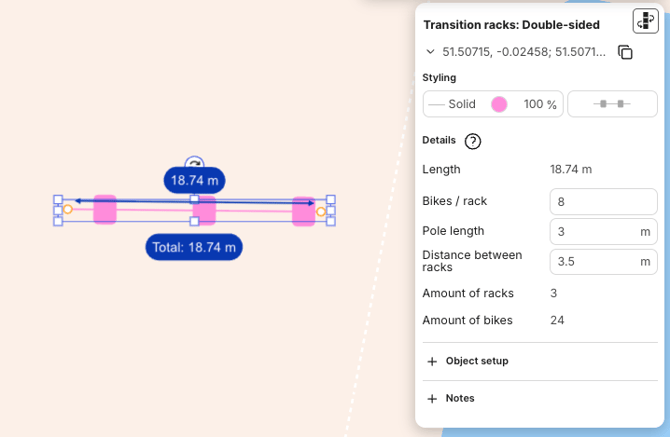
- The object is placed like any other line
- There are 2 variations, double and single sided. Yhey have different line patterns to distinguish them
- The properties panel has the following fields:
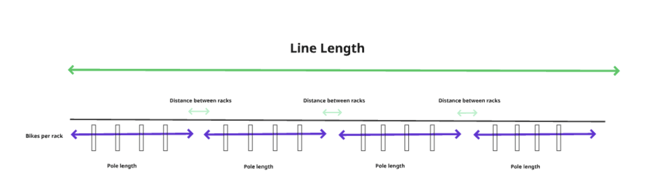
- Line length: The length of the line drawn by the user
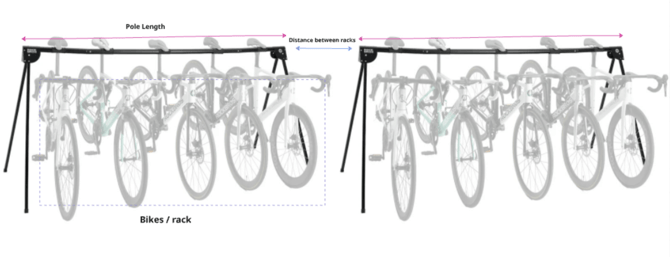
- Bikes per rack: Input by the users
- Pole length: Input by the users
- Distance between racks: Input by the users
- Amount of racks= (length + distance) / (segment + distance)
- Amount of bikes = No. segments x Bikes per rack
- The defaults have been set:
- Bikes/rack = 8
- Pole length = 3m
- Distance between racks = 3.5m
Bike racks:
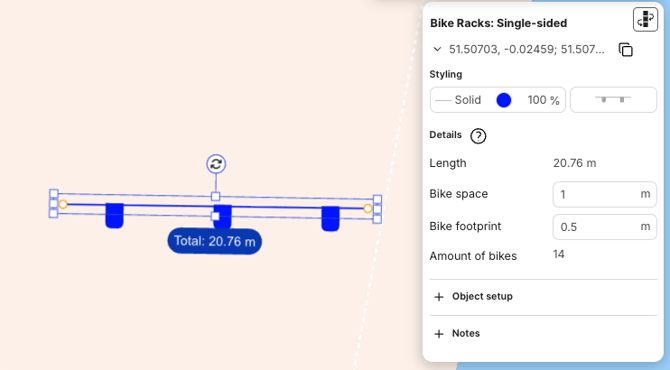
- The object is placed like any other line
- There are 2 variations, double and single sided. They have different line patterns to distinguish them
- The properties panel has the following fields:
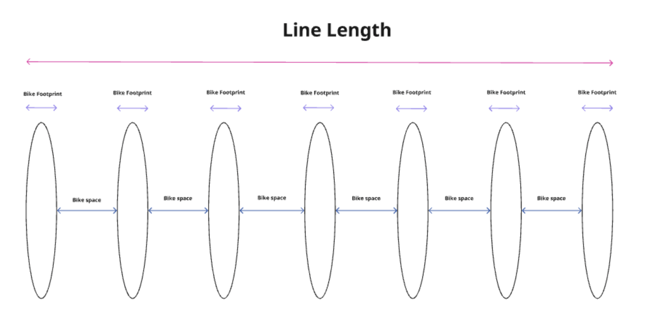
- Line length: The length of the line drawn by the user
- Bike footprint: Input by the users
- Bike space: Input by the users
- No. bikes = (distance + space) / (space + footprint)
- The defaults are as follows:
- Bike space = 1m
- Bike footprint = 0.5m