If you need to reset your password, please follow the following steps:
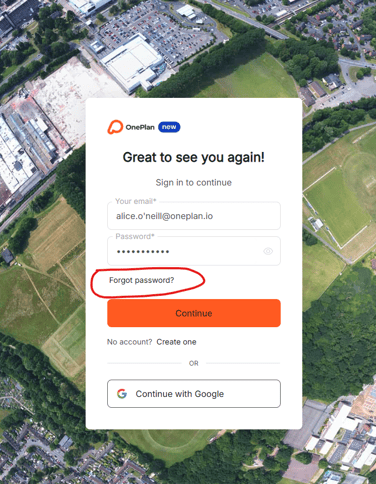
On the login page navigate to ‘Forgot password?’
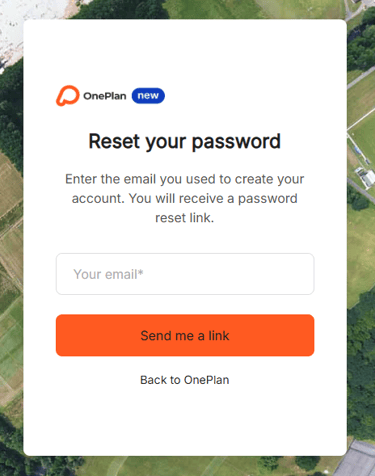
Enter your email address and click "send me a link". You will also have the option to go back to OnePlan if you no longer wish to proceed with the reset.
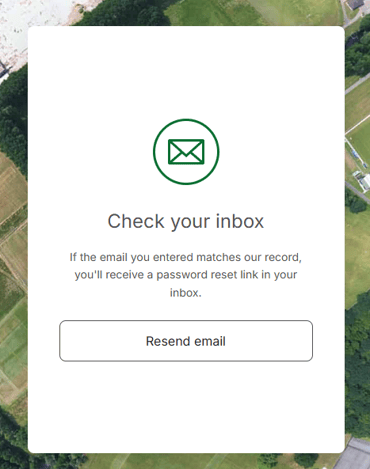
You should receive an email to reset your password. Don't forget to check your junk/spam folder.
When your email arrives, click on the ‘Reset password’ button.
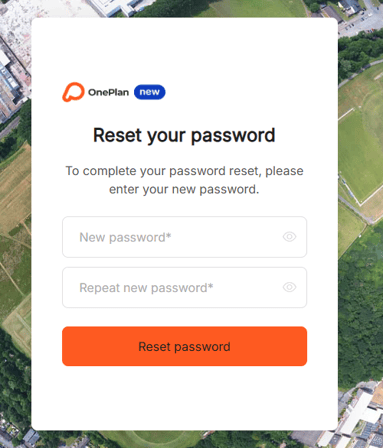
You will then be taken to this page where you can enter a new password and click "Reset Password’".
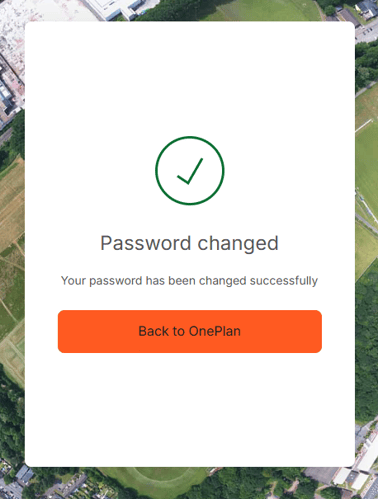
Your password was successfully changed and you can now login with the new password!
FAQS
I haven’t received the reset email- what should I do?
The most common reasons for not receiving the link are human error;
-
The original email you signed up with had a typo (such as O'Neill spelt with 3 L's) so please check first
-
You forgot what domain your email used (eg. Oneplan.io vs Oneplanevents.com ) - we do send a welcome email and you can see who it was addressed to so check your inbox if you forget
-
You're using social sign on (google auth)- we don't have a password to reset, if you sign up with Google they're the ones who hold your password
*We don't currently send reset emails to unverified email addresses. (for example if you use google auth to autofill it for you it wont work)