---
title: How To Sign Up For OnePlan
description: This article explains how to sign up for a OnePlan account
---
[Skip to content](https://support.oneplan.io/how-to-sign-up-for-oneplan#main-content)
English
Show submenu for translations
[More support](https://support.oneplan.io/kb-tickets/new?hsLang=en)
[](https://support.oneplan.io/?hsLang=en)
- [Pricing](https://www.oneplan.io/pricing/)
- [OnePlan.io](https://www.oneplan.io/)
Open main navigation
Close main navigation
- [Pricing](https://www.oneplan.io/pricing/)
- [OnePlan.io](https://www.oneplan.io/)
- English
Show submenu for translations
- [More support](https://support.oneplan.io/kb-tickets/new)
- [Contact us](mailto:help@oneplan.io)
[Contact us](mailto:help@oneplan.io)
How can we help you?
- There are no suggestions because the search field is empty.
1. [OnePlan Knowledge Hub](https://support.oneplan.io/?hsLang=en)
2. [Getting started](https://support.oneplan.io/getting-started?hsLang=en)
# How To Sign Up For OnePlan
## This article explains how to sign up for a OnePlan account
To sign up for OnePlan, please visit [OnePlan.io](http://oneplan.io/)
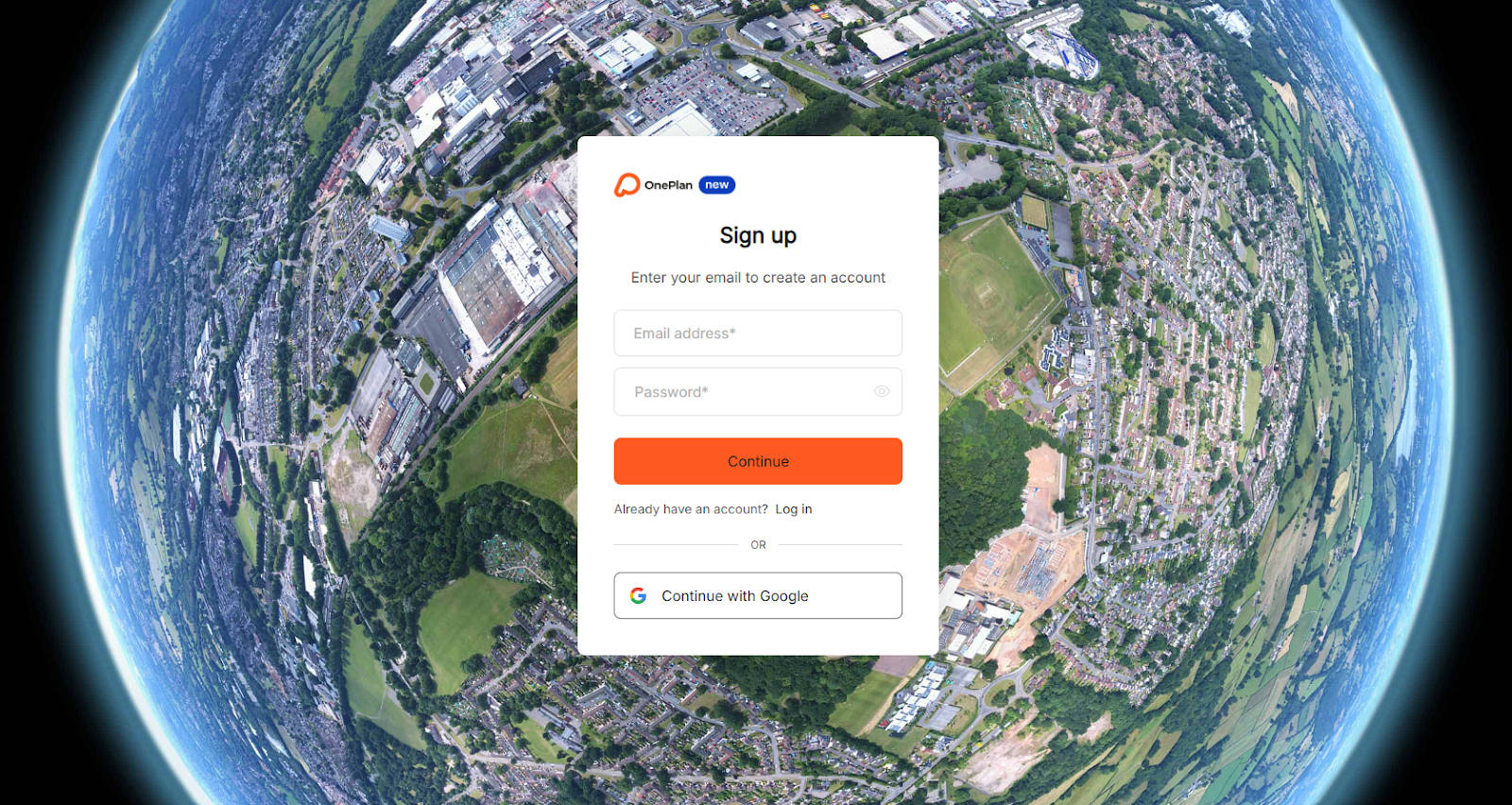
To create an account, there are two options.
1. **Use your own email address**. Enter your email address and password before clicking continue.
2. **Connect using Google**. Please click the ‘Continue with Google’ and follow the instructions to login with your Google credentials.
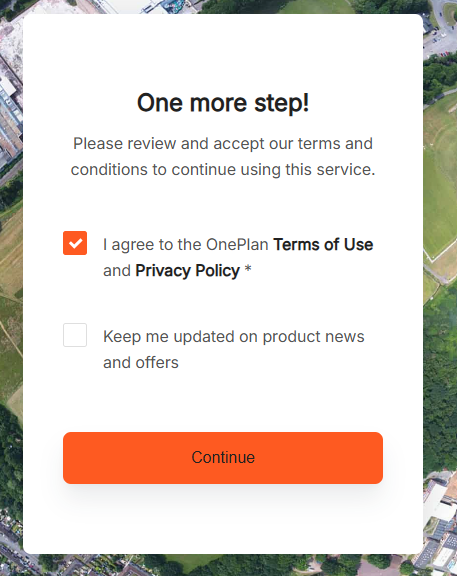
Following this, please check the box to agree to the OnePlan Terms of Use and Privacy Policy.
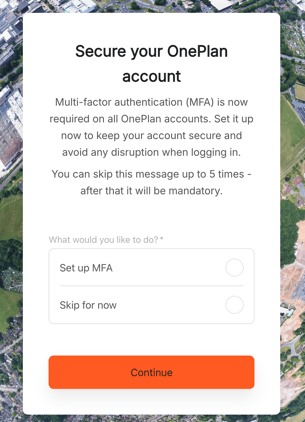
You will then be asked to set up your Multi-Factor Authentication (MFA). This helps keep your account protected and secure. You can find more details on how to set up MFA [HERE](https://support.oneplan.io/what-is-mfa-and-why-is-it-important?hsLang=en)
You will then be taken to your OnePlan Dashboard and asked for details about your first event:
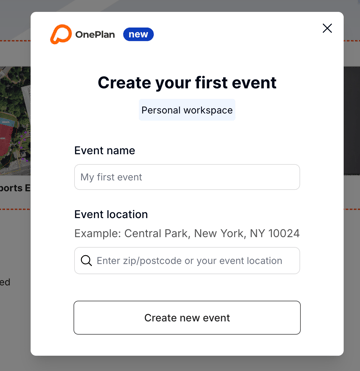
Please enter the Event name and Event Location. For the latter, you can start to type the event address and OnePlan will suggest possible locations.
**What can you type in to find your event site?**
- Post/Zip codes
- Street names
- Park names
- Towns/Cities
Once you have found your event location, they can select it, and press 'create event' – this will take you to the map.
- [Getting started](https://support.oneplan.io/getting-started?hsLang=en)
- [OnePlan Features](https://support.oneplan.io/oneplan-features?hsLang=en)
- [OnePlan Objects](https://support.oneplan.io/oneplan-objects?hsLang=en)
- [Object Management](https://support.oneplan.io/object-management?hsLang=en)
- [Account Management](https://support.oneplan.io/account-management?hsLang=en)
- [Migration](https://support.oneplan.io/migration?hsLang=en)
- [FAQs & Troubleshooting](https://support.oneplan.io/faqs-troubleshooting?hsLang=en#main-content)
- [Future Developments](https://support.oneplan.io/faqs-troubleshooting?hsLang=en#future-developments)
[](http://oneplan.io)
[mailto:email@email.com](mailto:email@email.com)
Copyright © 2025, OnePlan