
How it works:
- Place an object
- Adjust the object to the ideal size and colour, add any properties to the notes and object setup that you need.
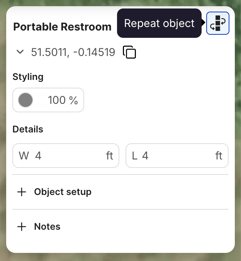
- Click the repeat object button in the top right of the properties panel
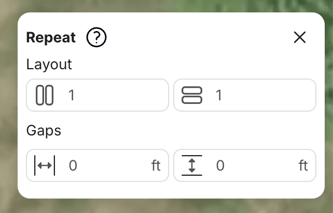
- Add the number of columns and rows of the object and the spacing between them. Please note: the "Gaps" number cannot be a decimal.
- Watch the live preview of the objects
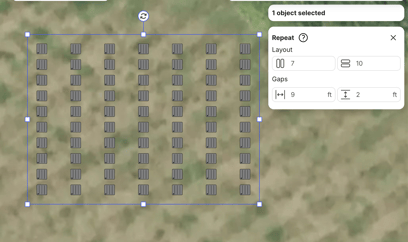
- Click to officially place the objects
- You can now rotate and move the multi-selected objects
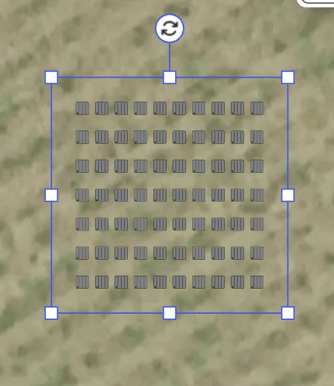
- Click again to confirm placement
Notes:
- You can place up to 100 objects at a time
- Spacing can be a maximum of 1000 ft
- Once objects are placed, they are treated as individual objects
- You cannot adjust colours, opacity or object details on masse after placement
Any questions regarding repeat you can contact our support team at support@oneplan.io