Instructions
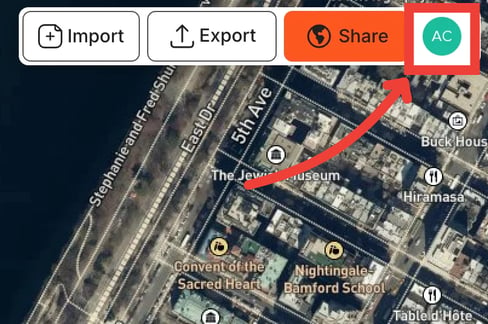
The user menu is where you can access all information about your account. You can access it by click on the icon with the first two letters of your name at the top-right of the screen.
Inside the user menu you can:
- Change your units from imperial to metric or vice versa
- Access your different workspaces (plan-dependent)
- Adjust your Team settings (plan-dependent)
- Change the email associated with your account - Changing Email
- Access your subscription plan
- See your billing details
- Log out
